Crop Image Online - Free, Fast, Square or 16:9
Crop an image online for free: square for Instagram, 16:9 for YouTube, or any size you like. Works in your browser, your photo is never uploaded.
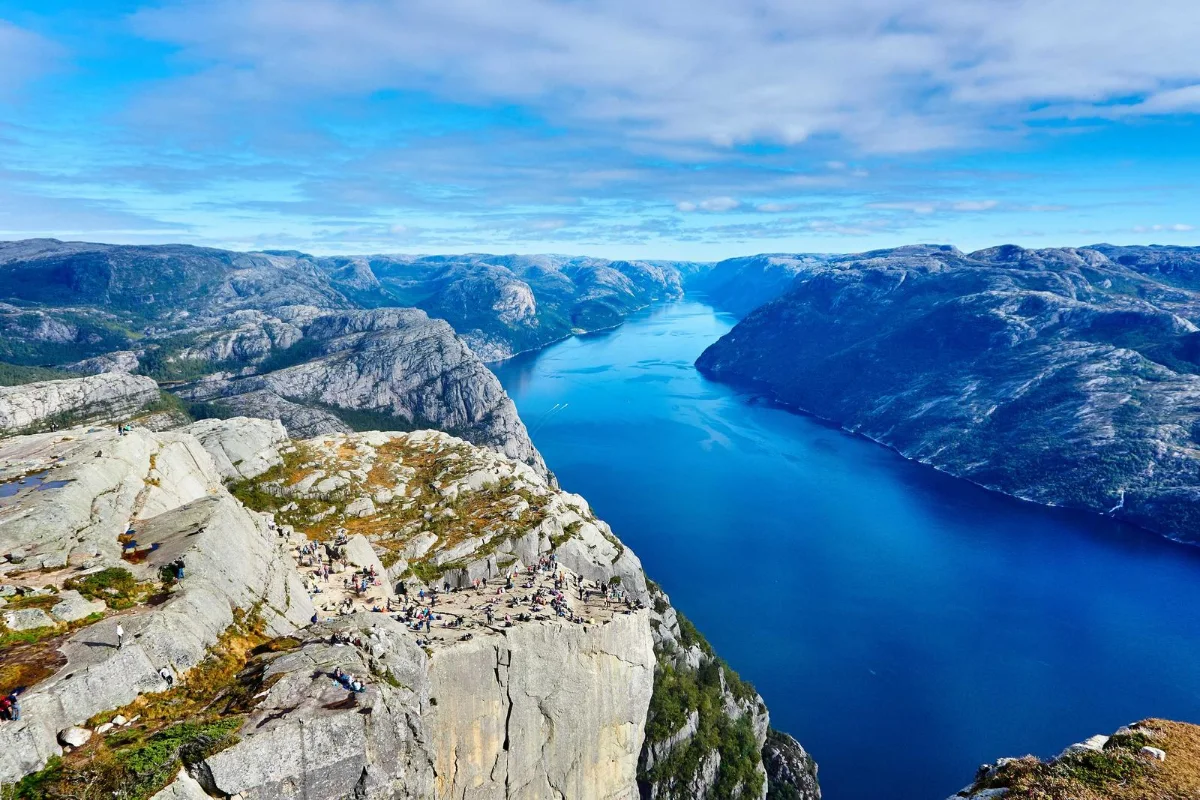
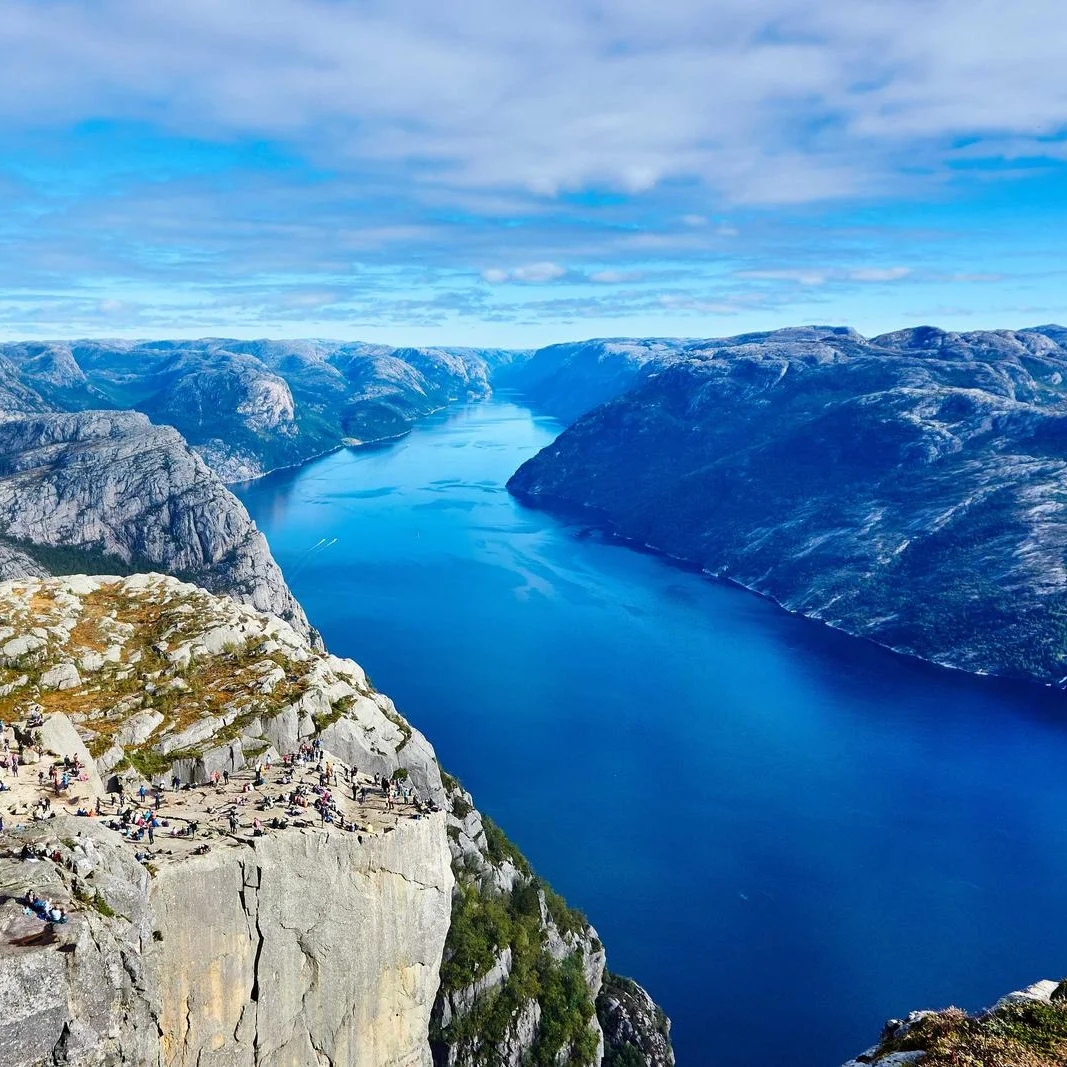
Cropping is the quickest way to make a photo better: cut away what distracts, put the subject where the eye goes, and fit the shape the platform wants. Go Pixer lets you crop an image online for free, right in your browser - no app to install and no upload.
How to crop an image in 3 steps
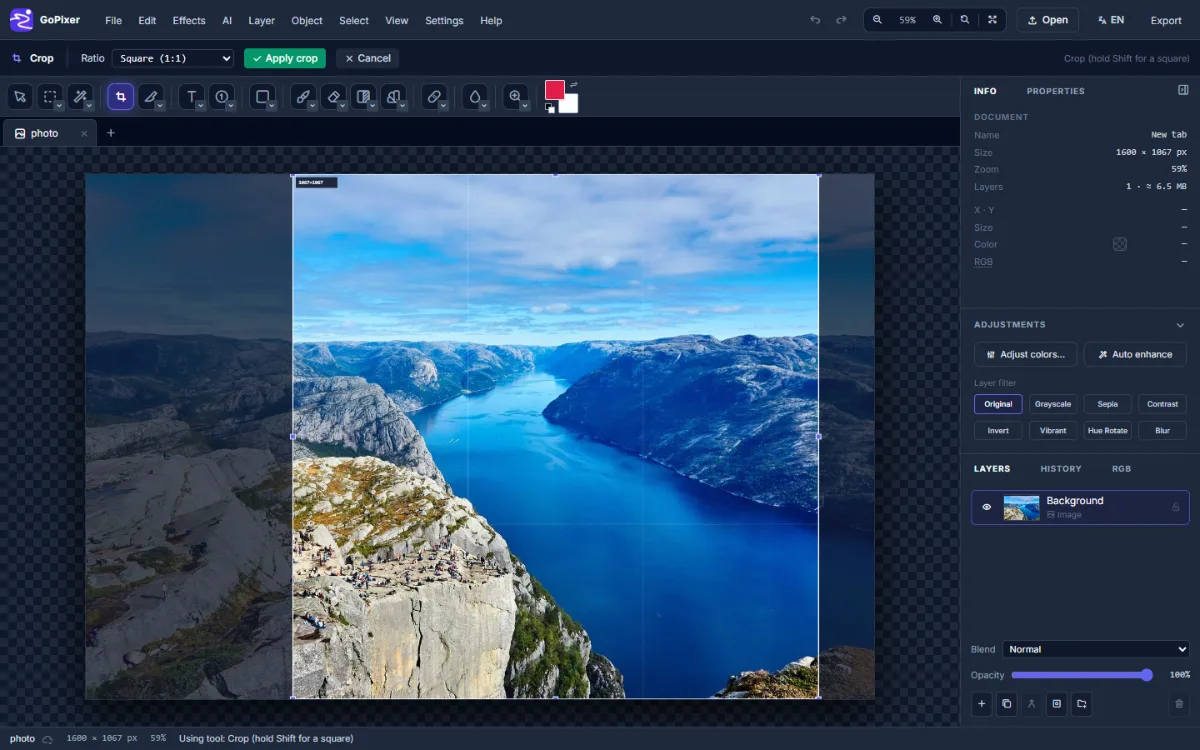
- Click Open the Crop tool in Go Pixer above and open your photo. The crop tool is ready (later, press C or use Edit › Crop).
- Pick a Ratio in the bar at the top: Free, Square (1:1), Widescreen (16:9), Standard (4:3) or Photography (3:2). Drag the frame and its corners; hold Shift for a square.
- Click Apply crop, then Export as JPG, PNG or WEBP.
Which ratio for which use?
- 1:1 - Instagram and Facebook posts, profile pictures, marketplace listings.
- 16:9 - YouTube thumbnails, presentations, desktop wallpapers.
- 4:3 and 3:2 - classic photo prints and most camera photos.
The size of the frame is shown while you drag, so you always know how many pixels you keep. Changed your mind? Ctrl+Z undoes the crop.
Crop without losing quality
Cropping only removes the outer parts: the pixels you keep are untouched. If the crop is too small for its purpose, our AI upscaler can make it larger, and Image size sets an exact width and height.
Frequently asked questions
Is cropping free?
Yes, cropping is part of the free editor. No sign-up is needed.
Can I crop to an exact ratio?
Yes: choose Square (1:1), Widescreen (16:9), Standard (4:3) or Photography (3:2) in the Ratio list, or keep Free and hold Shift for a square.
Does cropping reduce the quality?
No. Cropping removes the outer parts only; the rest of the photo keeps its pixels. Export as PNG to avoid any compression.
Can I undo a crop?
Yes, press Ctrl+Z (Cmd+Z on a Mac) or use the History panel.
Try it now - free
Nothing to install, no sign-up needed. Your photos stay on your computer.
Open the Crop tool in Go PixerMore free guides
Go Pixer vs Photoshop - What a Free Browser Editor Can Do (and What It Can't)
An honest comparison: layers and PSD, Object Selection, Content-Aware Move, Highlights / Shadows / Clarity / Dehaze, lens correction, Perspective Crop, RAW files and AI in a free browser editor.
Remove Background Online Free - No Upload, No Sign-Up
Remove the background of any photo for free, right in your browser. The AI runs on your computer: your photo is never uploaded. Download a transparent PNG.
Resize Image Online Free - Exact Pixels, Smaller Files
Resize an image online for free: set the width or height in pixels, keep the aspect ratio, and export a smaller JPG, PNG or WEBP. No upload, no sign-up.

Add Text to Photo Online Free - 110 Ready-Made Text Styles
Add text to a photo online for free: 277 Google fonts, gradient, outline, 3D and neon text styles you can edit. In your browser, no upload, no watermark.