Upscale Image Online Free - AI Enlarge ×2 or ×4
Upscale an image online for free with AI: enlarge a small or blurry photo 2× or 4× and get sharper detail. Runs in your browser, no upload.
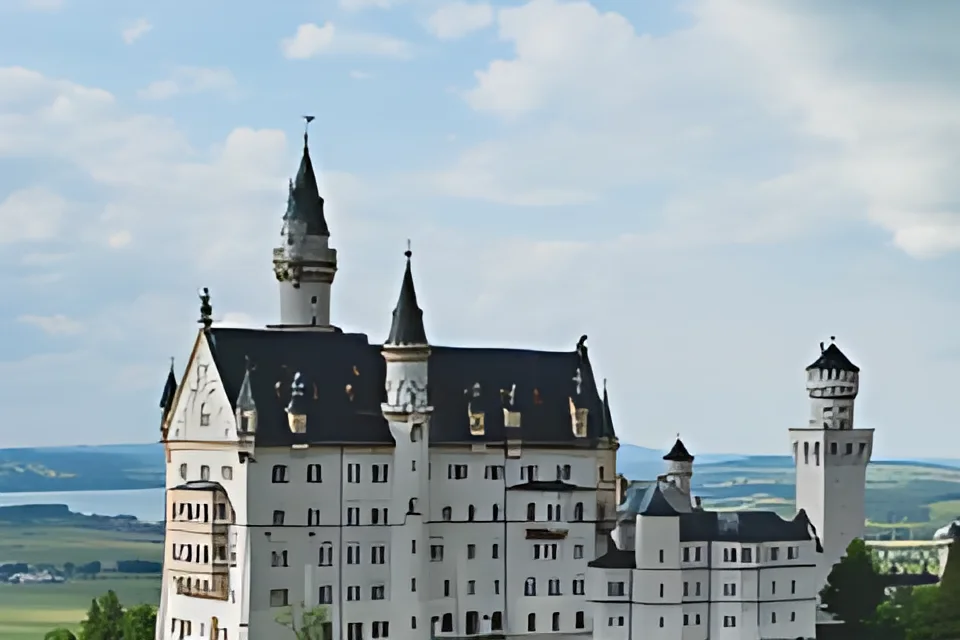
An old photo, a picture saved from a chat, a logo that is too small to print: when you simply stretch it, it turns blurry and blocky. An AI upscaler does better - it rebuilds edges and texture as it enlarges. Go Pixer lets you upscale an image online for free, 2× or 4×, and the AI runs on your own computer.
How to upscale an image in 3 steps
- Click Open the Image upscaler in Go Pixer above and open your photo.
- Choose AI › Upscale ×2 or AI › Upscale ×4. The first time, the AI model is downloaded; after that it starts at once.
- Wait a few seconds (larger photos take longer), then click Export.
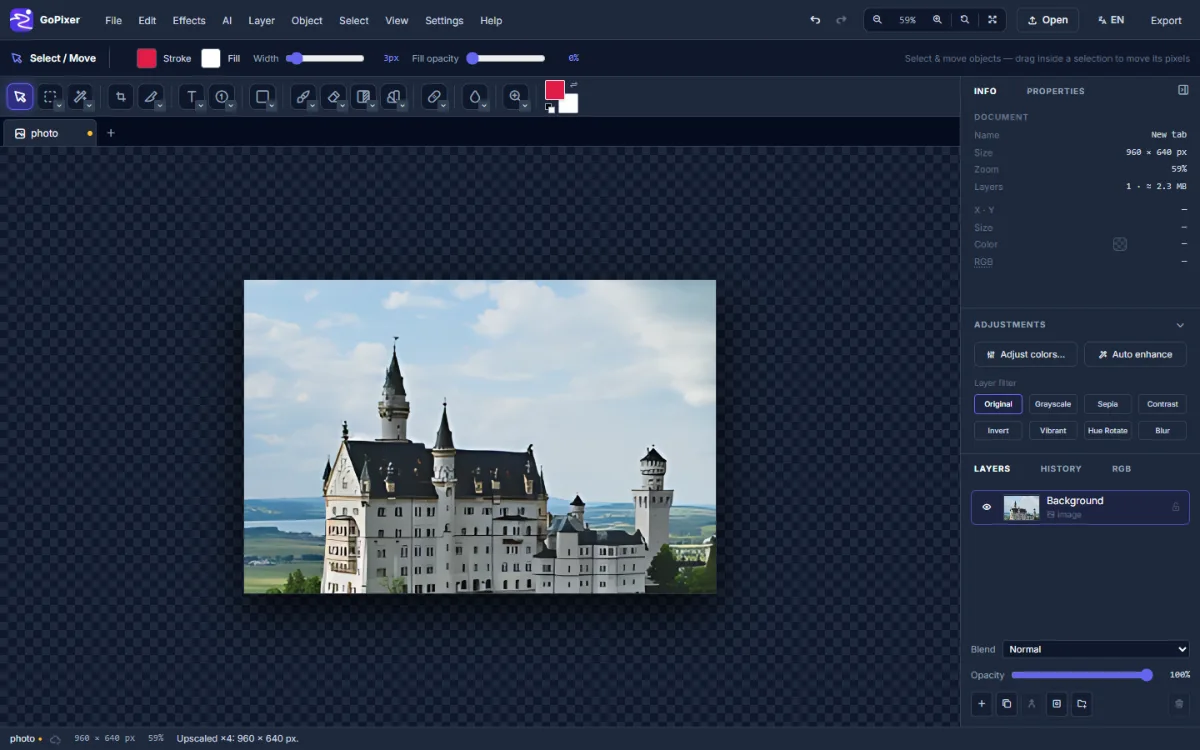
In the example, a 240 × 160 px picture becomes 960 × 640 px with ×4. The roofs, windows and towers are rebuilt instead of becoming blurry blocks.
Get the best result
- Upscale before other edits such as text or stickers, so only the photo is enlarged.
- Start from the best copy you have: an upscaler cannot recover what was never in the picture.
- ×4 on a big photo can go past the largest image size; the menu greys out a choice that would be too large.
- After upscaling, crop or resize to the exact size you need.
Private by design
Many upscalers upload your photo and send it back. Go Pixer runs the model in your browser - useful for family photos, documents and client work.
Frequently asked questions
Is the AI upscaler free?
You can try it without an account. Upscale is a heavier AI tool, so depending on the plan settings it may be part of Pro; the pricing page lists what each plan has.
What is the difference between ×2 and ×4?
×2 doubles the width and height (4 times the pixels); ×4 makes them four times larger (16 times the pixels). ×4 takes longer.
Why is Upscale ×4 greyed out?
The result would be larger than the biggest image the editor allows. Use ×2, or crop the photo first.
Is my photo uploaded?
No. The upscaling runs on your device in the browser; only the AI model is downloaded once.
Try it now - free
Nothing to install, no sign-up needed. Your photos stay on your computer.
Open the Image upscaler in Go PixerMore free guides
Go Pixer vs Photoshop - What a Free Browser Editor Can Do (and What It Can't)
An honest comparison: layers and PSD, Object Selection, Content-Aware Move, Highlights / Shadows / Clarity / Dehaze, lens correction, Perspective Crop, RAW files and AI in a free browser editor.
Remove Background Online Free - No Upload, No Sign-Up
Remove the background of any photo for free, right in your browser. The AI runs on your computer: your photo is never uploaded. Download a transparent PNG.
Crop Image Online - Free, Fast, Square or 16:9
Crop an image online for free: square for Instagram, 16:9 for YouTube, or any size you like. Works in your browser, your photo is never uploaded.
Resize Image Online Free - Exact Pixels, Smaller Files
Resize an image online for free: set the width or height in pixels, keep the aspect ratio, and export a smaller JPG, PNG or WEBP. No upload, no sign-up.