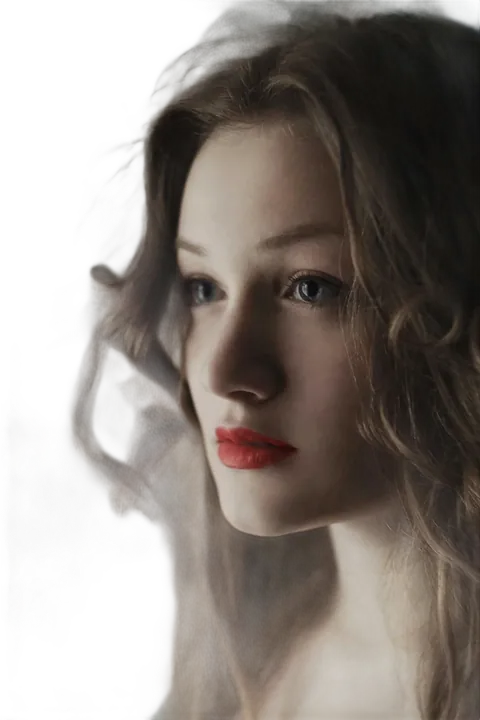
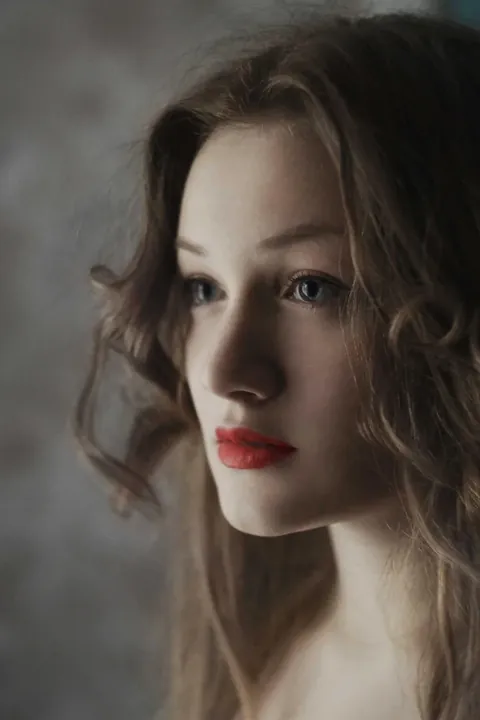
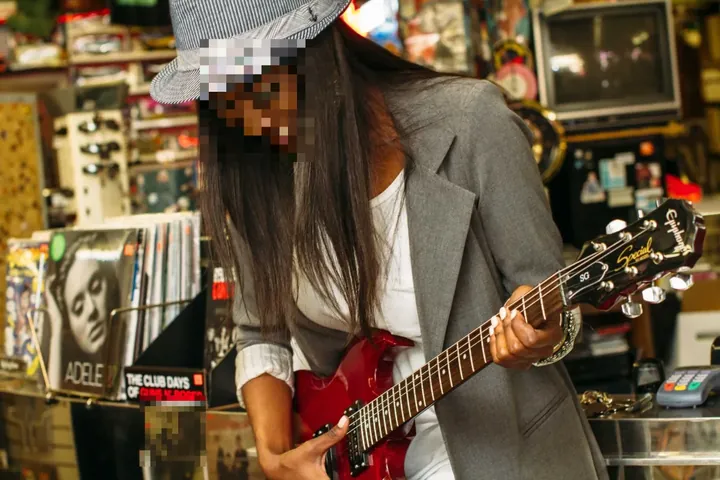
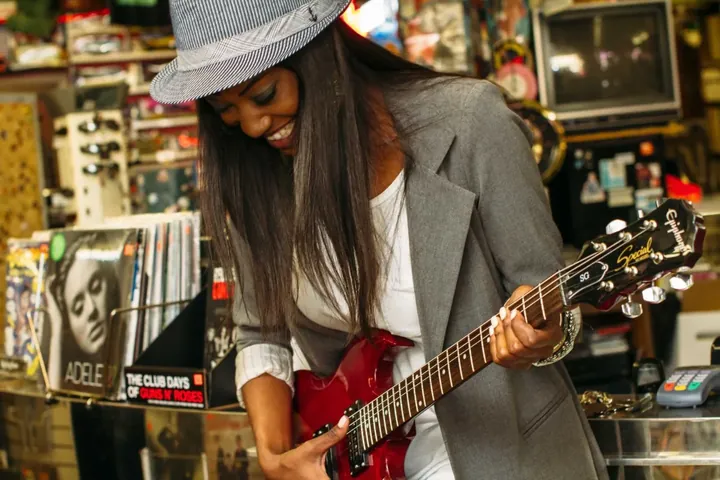

Remove backgrounds in one click
The AI finds the subject and cuts it out - on your own computer, in seconds.
Photo editor + design studio, right in your browser
Go Pixer: edit photos and design right in your browser - free, nothing to install, no uploads to a server. Your photos stay on your computer.
No sign-up needed. Works on any computer with a modern browser.
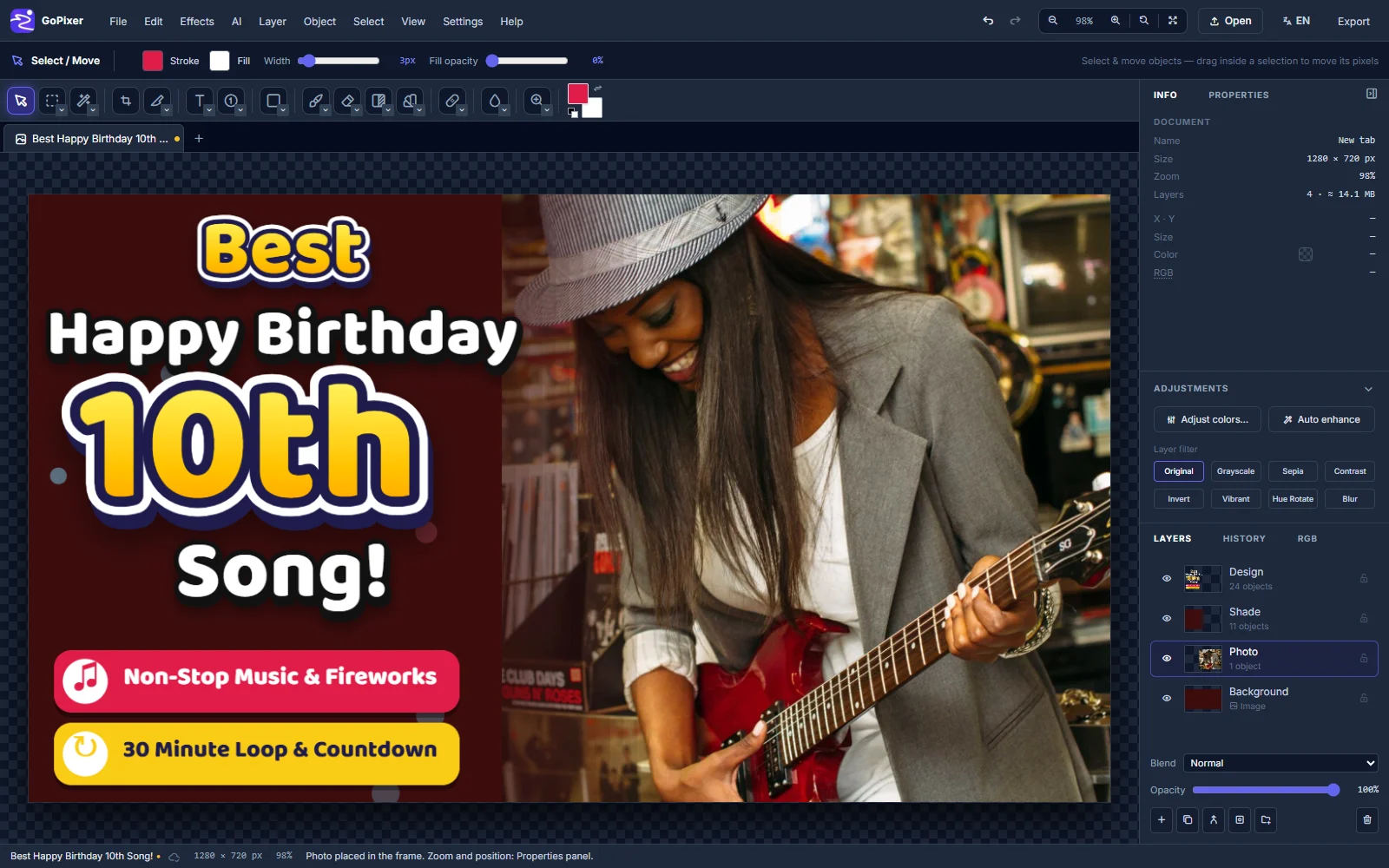
Professional tools for photos and designs - fast, private and free to start.
The AI finds the subject and cuts it out - on your own computer, in seconds.
Upscale ×2 / ×4, remove objects, heal spots, extend photos, colorize old black-and-white pictures, retouch portraits.
Blur faces automatically, read text in a picture and hide what is sensitive.
Layers, masks, blend modes, adjustment layers and layer styles. Open and save PSD files.
YouTube thumbnails, posts, logos, menus, cards and print - change every word, color and photo.
277 Google fonts, gradients, double outlines, 3D, neon and curved text, 110 one-click text styles.
Brochures, menus and slide shows with animation. Export PDF, PowerPoint, PNG, JPG and WEBP.
Resize, convert or watermark dozens of photos at once; build collages in a few clicks.
Once opened, the editor keeps working without internet. Install it like a desktop program.
Made for people who need good pictures fast - without uploading them anywhere.
Product photos on a clean background, sale banners and price tags - ready for your shop, Facebook or Shopee in minutes.
Remove a backgroundYouTube thumbnails, Instagram and TikTok posts with bold text and effects - start from a template and make it yours.
Make a thumbnailCertificates, posters, menus, slides and documents - edit them in the browser at school or at work, nothing to install.
Browse templatesThe convenience of an online editor, the privacy and power of desktop software.
| Go Pixer | Typical online editors | Desktop software | |
|---|---|---|---|
| Your photos stay on your computer | |||
| Nothing to install | |||
| AI tools without uploading photos | Some | ||
| Open and save Photoshop (PSD) files | Some | ||
| Ready-made templates (YouTube thumbnails, posts, logos…) | Some | Some | |
| One-click text styles (3D, neon, gradient) | Some | Some | |
| Edit many photos at once (batch) | Some | ||
| No watermark on free downloads | Some | ||
| Free to start | Some | ||
| Keeps working offline |
Most online editors upload every photo to their servers. Go Pixer does the work on your own computer - the AI included.
Every template is fully editable: words, colors, fonts, photos and layers.


Yes. The everyday editing tools are free and the AI tools are free with limits. A Pro plan adds higher limits for people who need more.
No. Photos are opened and edited inside your browser, on your computer. The only exception is Generative fill, which you turn on yourself with your own API key.
No. Open the editor in Chrome, Edge, Firefox or Safari. You can also install it as an app and open it like a desktop program.
Yes. Go Pixer opens PSD files with their layers and saves your work as PSD, PNG, JPG, WEBP, PDF and more.
No. Open the editor and start. An account is only needed for a paid plan or to like and share templates.
Yes, with a simpler layout for quick edits. For layers and designs a computer is more comfortable.
Open the editor and start in seconds - no sign-up, no install, no upload.
Open Go Pixer - free