Remove Background Online Free - No Upload, No Sign-Up
Remove the background of any photo for free, right in your browser. The AI runs on your computer: your photo is never uploaded. Download a transparent PNG.
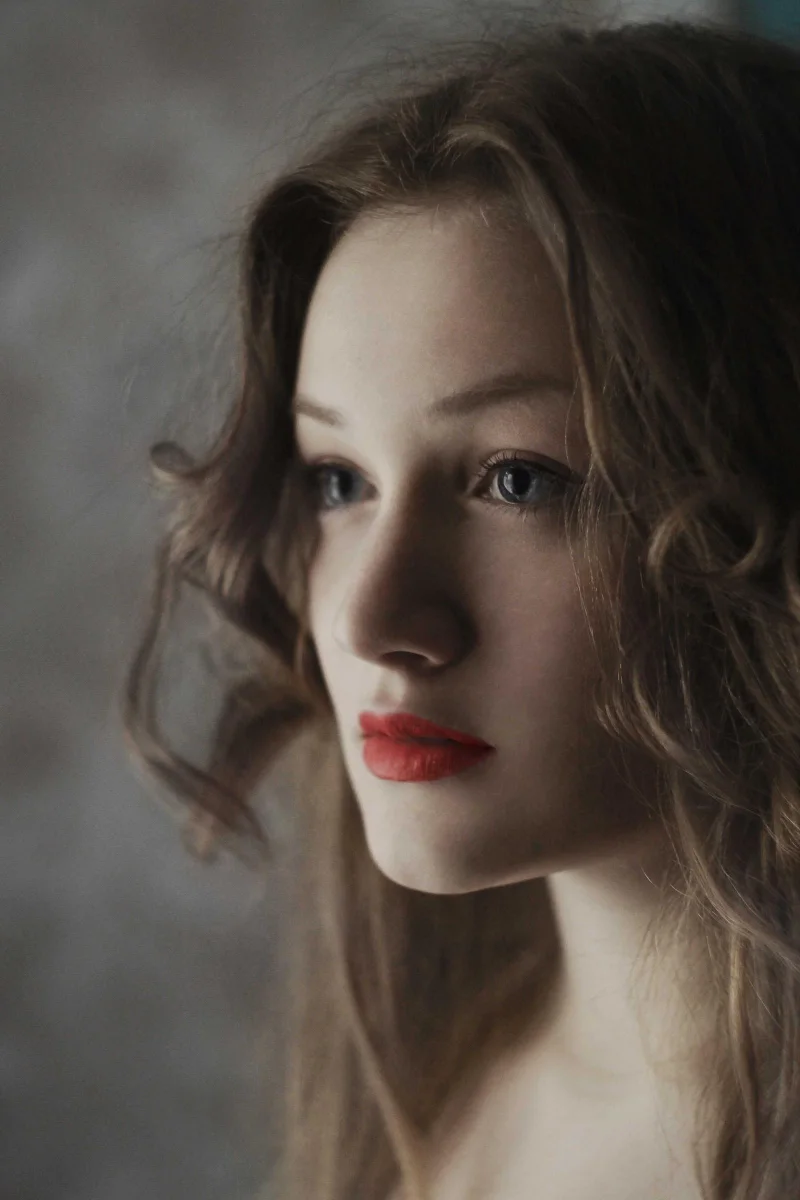
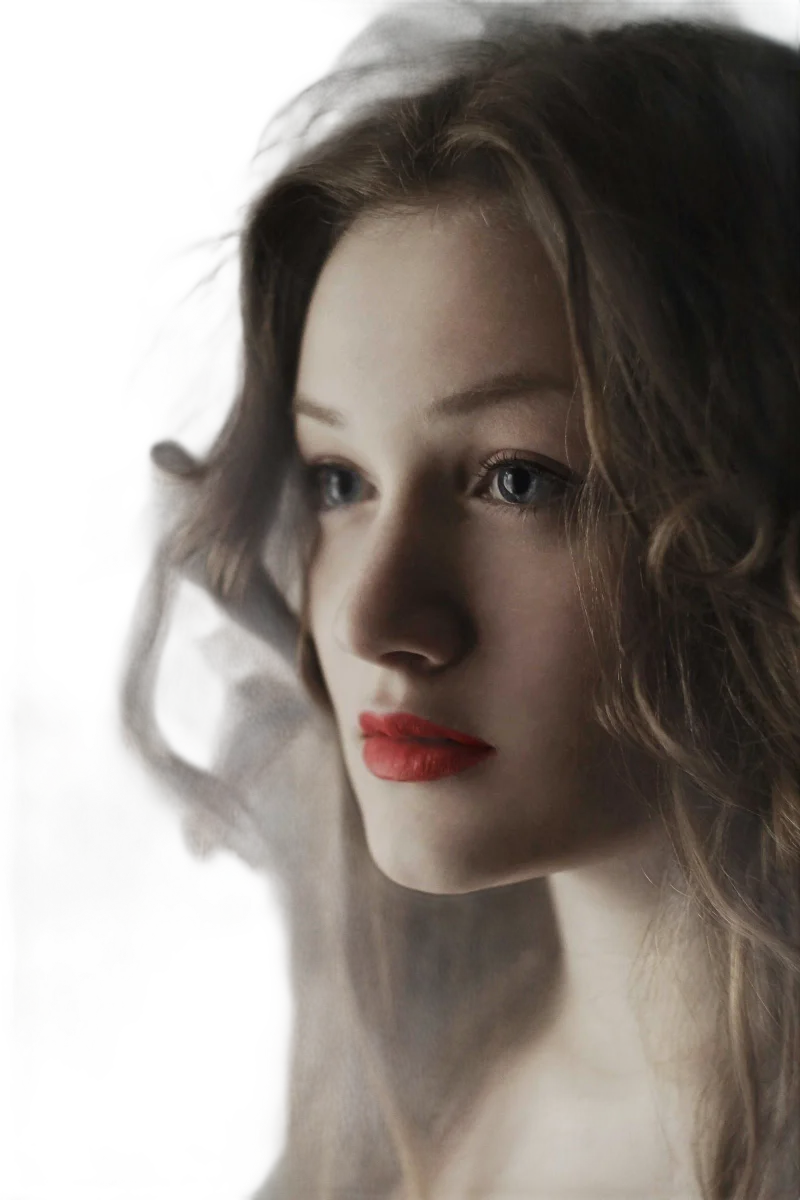
Need a product photo on a clean background, a portrait for a profile picture, or a cut-out for a poster? With Go Pixer you can remove the background online for free in a few seconds. The AI model runs inside your browser, so the photo stays on your computer - nothing is uploaded to a server, and you do not need an account.
How to remove a background in 3 steps
- Click Open the Background remover in Go Pixer above, then open your photo (or drag it onto the page).
- The background is removed automatically. You can also run it again from the menu AI › Remove background; for portraits, try AI › Remove background (people).
- Click Export and choose PNG or WEBP to keep the transparent background.
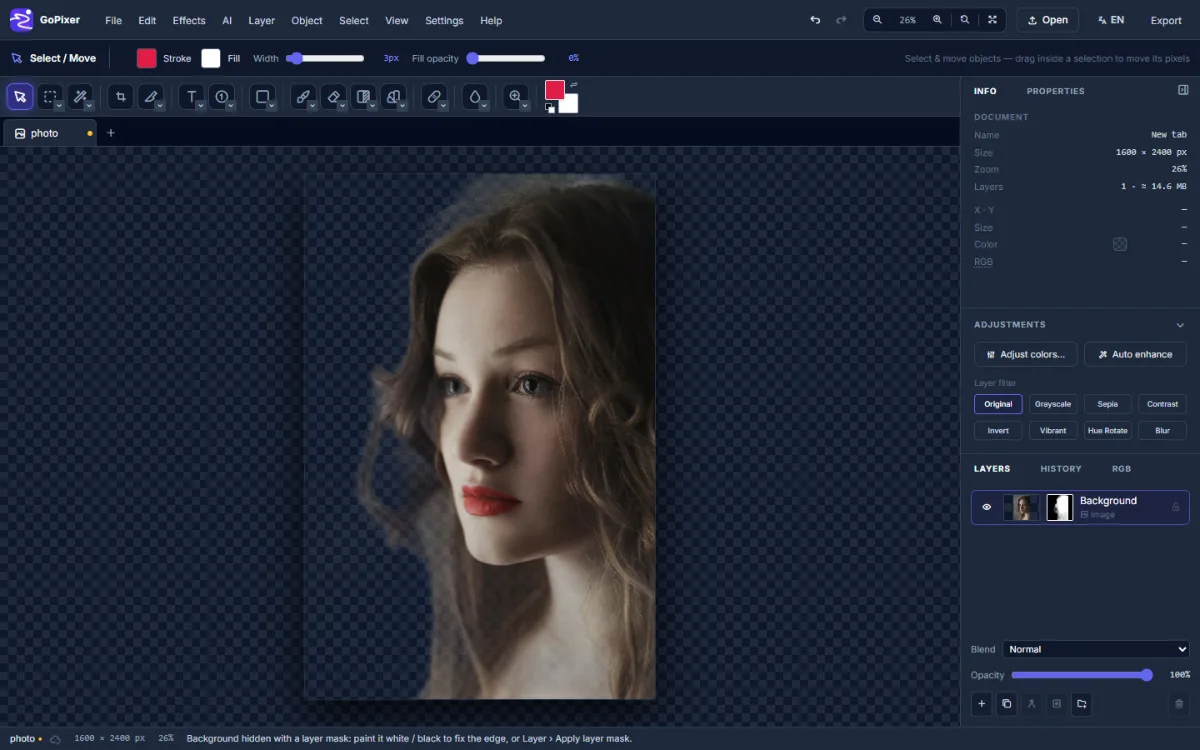
Fix the edges like a pro
Go Pixer does not delete pixels: it hides the background with a layer mask. That means nothing is lost. If the AI missed a strand of hair or kept a bit of the background, paint on the mask with white to bring a part back, or with black to hide more. When you are happy, use Layer › Apply layer mask.
- Use a photo where the subject is sharp and stands out from the background.
- Add a new background below: a color, a gradient or another photo on a layer underneath.
- Need many photos done? File › Batch process… removes backgrounds from several images at once.
Why remove backgrounds in your browser?
Most online background removers upload your photo to their servers. Go Pixer downloads the AI model once (it is kept by your browser for next time) and does the work on your own device. It is faster for repeated use, works for private photos, and keeps working offline once the model is saved.
Frequently asked questions
Is the background remover really free?
Yes. You can open Go Pixer, remove backgrounds and download the result without signing up. Some advanced tools may be part of the Pro plan; the pricing page lists them.
Is my photo uploaded to a server?
No. The AI runs in your browser on your own computer or phone. Only the AI model itself is downloaded the first time you use the tool.
How do I keep the background transparent?
Export as PNG or WEBP. JPG has no transparency, so the empty area would be filled with a color.
The edge is not perfect. What can I do?
The background is hidden with a layer mask. Paint on the mask with white to show a part again or black to hide more, then use Layer › Apply layer mask.
Can I remove the background from many photos at once?
Yes, with File › Batch process…. The number of files per batch depends on your plan.
Try it now - free
Nothing to install, no sign-up needed. Your photos stay on your computer.
Open the Background remover in Go PixerMore free guides

Go Pixer vs Photoshop - What a Free Browser Editor Can Do (and What It Can't)
An honest comparison: layers and PSD, Object Selection, Content-Aware Move, Highlights / Shadows / Clarity / Dehaze, lens correction, Perspective Crop, RAW files and AI in a free browser editor.
Crop Image Online - Free, Fast, Square or 16:9
Crop an image online for free: square for Instagram, 16:9 for YouTube, or any size you like. Works in your browser, your photo is never uploaded.

Resize Image Online Free - Exact Pixels, Smaller Files
Resize an image online for free: set the width or height in pixels, keep the aspect ratio, and export a smaller JPG, PNG or WEBP. No upload, no sign-up.

Add Text to Photo Online Free - 110 Ready-Made Text Styles
Add text to a photo online for free: 277 Google fonts, gradient, outline, 3D and neon text styles you can edit. In your browser, no upload, no watermark.