Add Text to Photo Online Free - 110 Ready-Made Text Styles
Add text to a photo online for free: 277 Google fonts, gradient, outline, 3D and neon text styles you can edit. In your browser, no upload, no watermark.
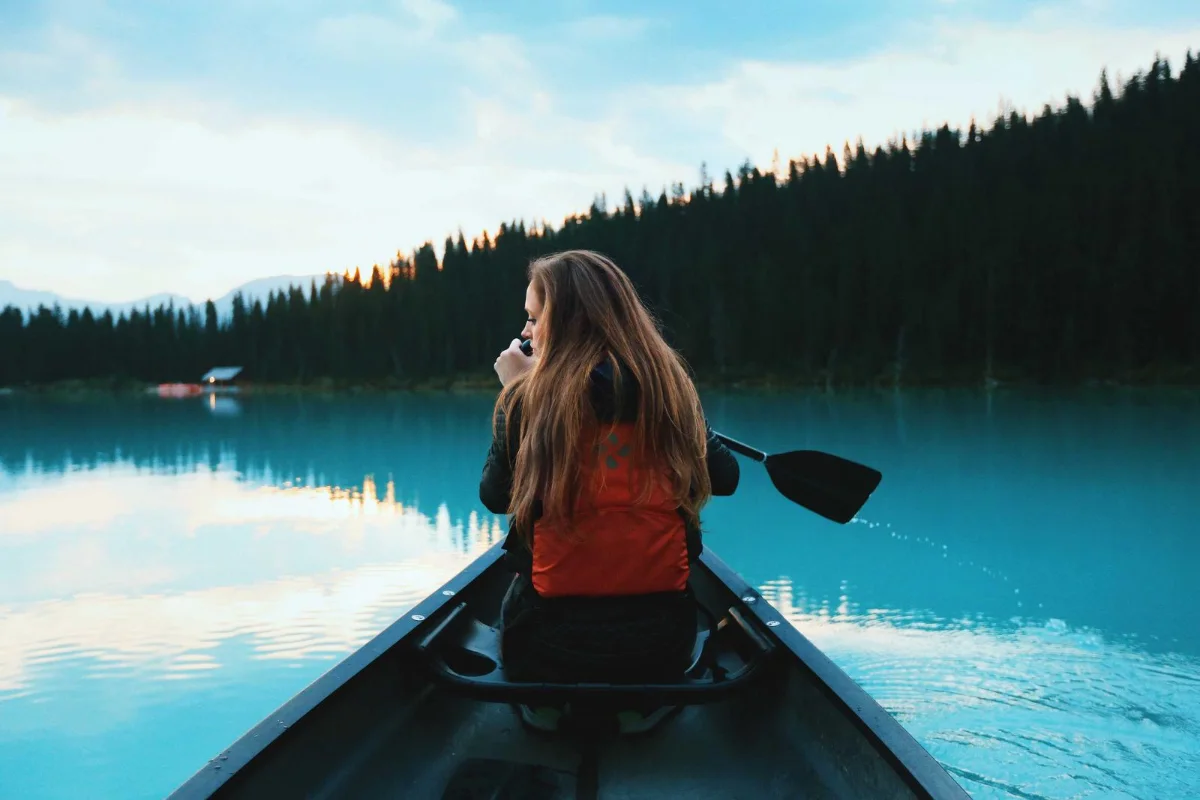

A title on a travel photo, a price on a product shot, a quote on a background - words make a picture speak. Go Pixer lets you add text to a photo online for free, with real fonts and eye-catching styles, and the text stays editable until you export.
How to add text to a photo in 3 steps
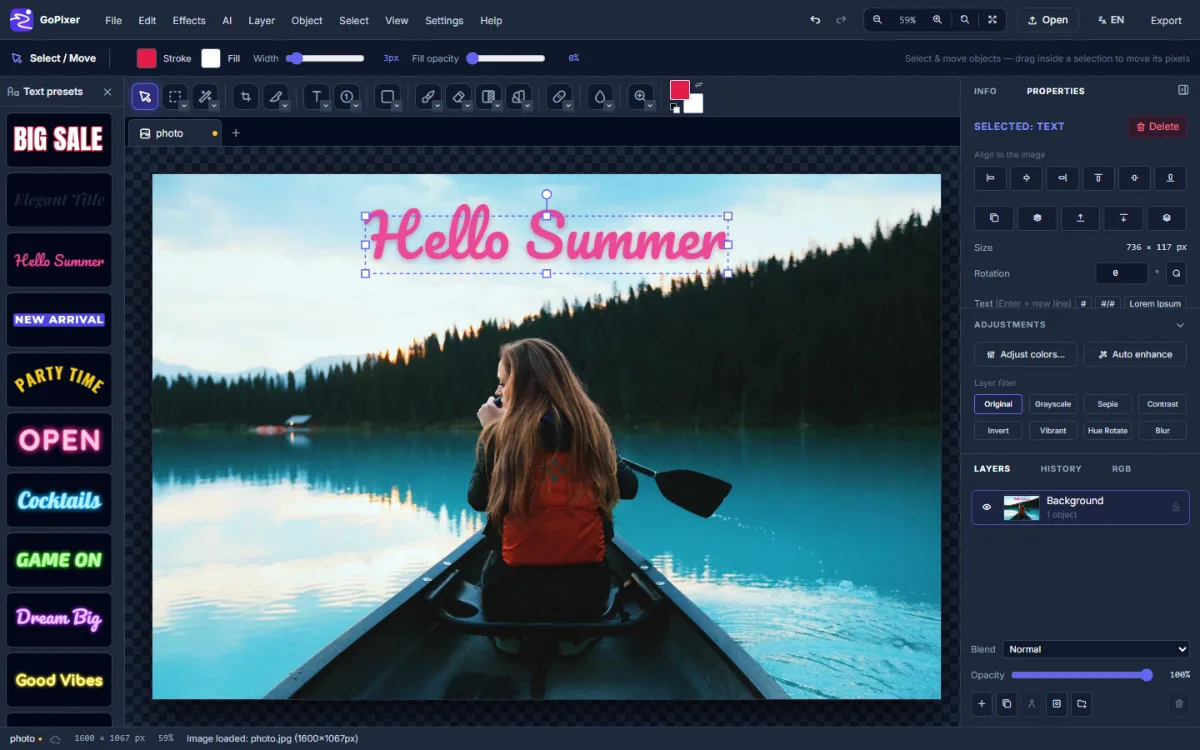
- Click Open the Text tool in Go Pixer above and open your photo. The Text presets panel opens on the left.
- Click a preset to place it on the photo - or choose the Text tool (key T) and click where you want to type. Double-click a text to change its words.
- Drag it into place, then change the font, size and colors in Properties. Click Export when you are done.
Make your text stand out
- 110 text presets: neon signs, sale labels, two-line titles, YouTube-style 3D titles.
- 277 Google fonts, from clean sans-serif to handwriting.
- Effects you can mix: gradient fill, outline and a second outer outline, 3D block, shadow and glow.
- Lists, line spacing and alignment for longer text.
Tip: on a busy photo, put light text over a dark area (or the other way around), or add an outline so the words stay readable.
Ready-made designs
Want a full layout rather than one line of text? Start from a template: a YouTube thumbnail, a social post or a restaurant menu - then just change the words.
Frequently asked questions
Is it free to add text to photos?
Yes, the Text tool and the free text presets are free and there is no watermark. Some presets have a gold crown: those are part of Pro.
Can I edit the text later?
Yes. Text stays editable in Go Pixer: double-click it to change the words; select it to change its font, colors and effects. Save the project (.pixedit) to keep it editable for next time.
Which fonts can I use?
277 Google fonts are built in, including fonts that support Vietnamese, Japanese and other languages.
Does it work on a phone?
Yes, Go Pixer works in mobile browsers too; a computer gives you more room for the panels.
Try it now - free
Nothing to install, no sign-up needed. Your photos stay on your computer.
Open the Text tool in Go PixerMore free guides
Go Pixer vs Photoshop - What a Free Browser Editor Can Do (and What It Can't)
An honest comparison: layers and PSD, Object Selection, Content-Aware Move, Highlights / Shadows / Clarity / Dehaze, lens correction, Perspective Crop, RAW files and AI in a free browser editor.
Remove Background Online Free - No Upload, No Sign-Up
Remove the background of any photo for free, right in your browser. The AI runs on your computer: your photo is never uploaded. Download a transparent PNG.
Crop Image Online - Free, Fast, Square or 16:9
Crop an image online for free: square for Instagram, 16:9 for YouTube, or any size you like. Works in your browser, your photo is never uploaded.
Resize Image Online Free - Exact Pixels, Smaller Files
Resize an image online for free: set the width or height in pixels, keep the aspect ratio, and export a smaller JPG, PNG or WEBP. No upload, no sign-up.