YouTube Thumbnail Maker Free - Templates in 1280 × 720
Make a YouTube thumbnail online for free: pick a 1280 × 720 template, drop in your photo, change the title, export. No sign-up, no watermark, no upload.
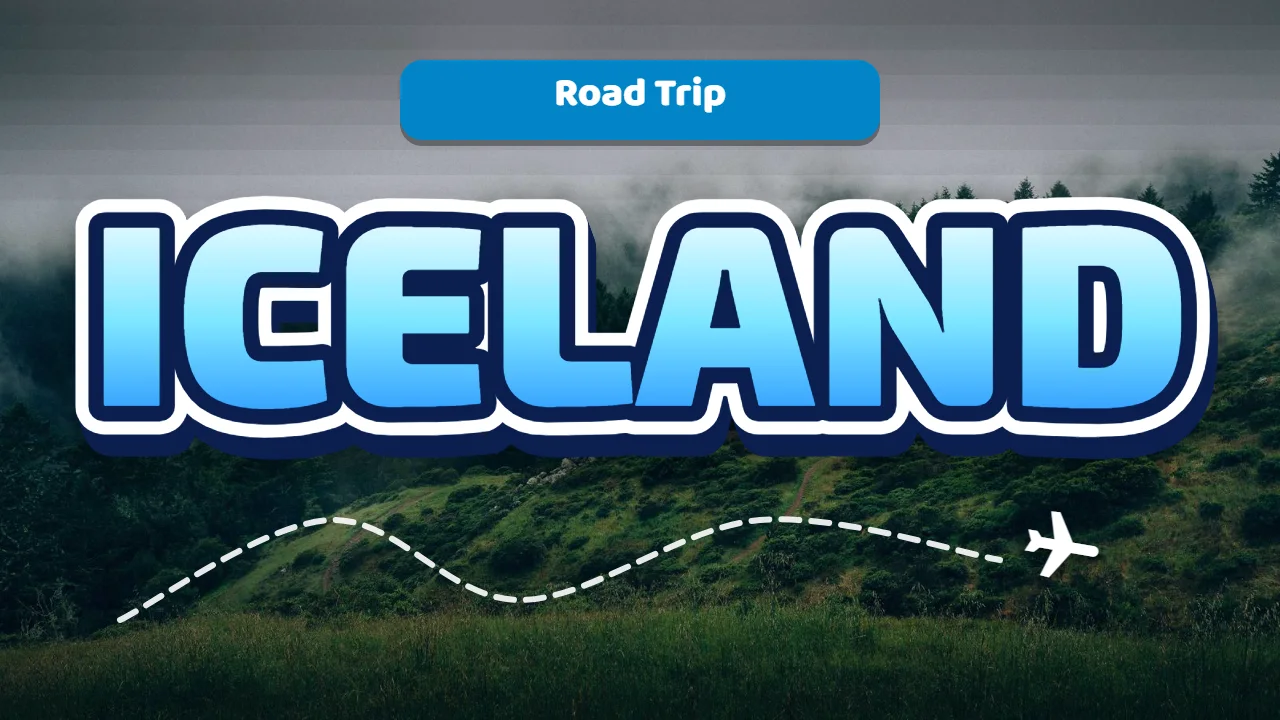
The thumbnail is the first thing viewers see - often it decides whether they click. Go Pixer is a free YouTube thumbnail maker with ready-made templates at the size YouTube recommends (1280 × 720 px). Choose a design, drop in your photo, write your title, and download it in a minute.
How to make a YouTube thumbnail in 3 steps
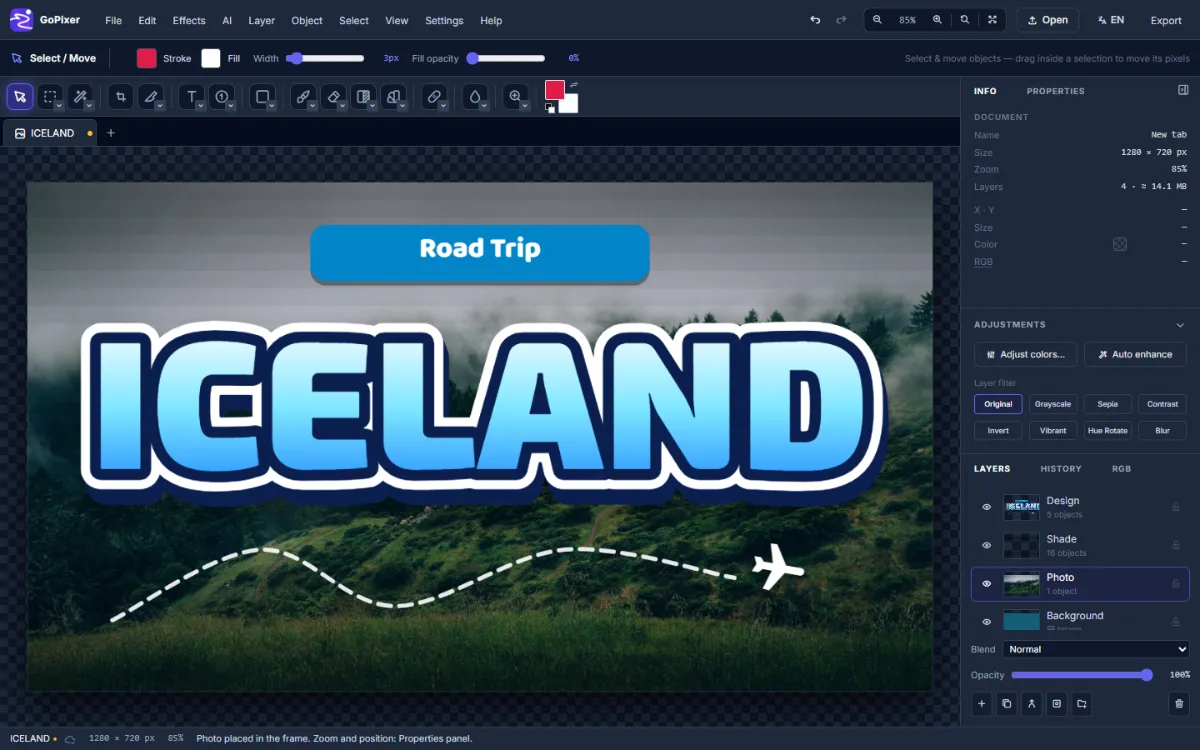
- Click Open the YouTube thumbnail maker in Go Pixer above. The template library opens on YouTube Thumbnail; click a design you like.
- Drag your photo onto the Drop a photo here frame. It fills the frame; set its zoom and position in Properties. Double-click the title to type your own words.
- Click Export and save a JPG or PNG, then upload it in YouTube Studio.
Thumbnail tips that get clicks
- Few words, big letters: 2–5 words that still read on a phone.
- Contrast: bright title on a dark area, or add an outline. The 3D, gradient and neon text styles are made for this.
- A face or one clear subject draws the eye. Remove the background of a photo of yourself and place it over the design.
- Keep a series consistent: same colors and layout, only the title and photo change.
- If the file is too large, set Max file size in Export.
Not only YouTube
The same library has YouTube channel banners, Instagram and TikTok posts, and more. Every template is fully editable: colors, fonts, shapes and photos.
Frequently asked questions
What size is a YouTube thumbnail?
YouTube recommends 1280 × 720 px (16:9). The YouTube Thumbnail templates in Go Pixer are made at exactly that size.
Is the thumbnail maker free?
Yes. Free templates have no crown and no watermark; templates with a gold crown are part of Pro.
Can I use my own photo?
Yes: drag it onto the photo frame of the template, or open it and add it as a layer.
Are my photos uploaded?
No. The template is downloaded to your browser, and your photo is placed into it on your own device.
Try it now - free
Nothing to install, no sign-up needed. Your photos stay on your computer.
Open the YouTube thumbnail maker in Go PixerMore free guides
Go Pixer vs Photoshop - What a Free Browser Editor Can Do (and What It Can't)
An honest comparison: layers and PSD, Object Selection, Content-Aware Move, Highlights / Shadows / Clarity / Dehaze, lens correction, Perspective Crop, RAW files and AI in a free browser editor.
Remove Background Online Free - No Upload, No Sign-Up
Remove the background of any photo for free, right in your browser. The AI runs on your computer: your photo is never uploaded. Download a transparent PNG.
Crop Image Online - Free, Fast, Square or 16:9
Crop an image online for free: square for Instagram, 16:9 for YouTube, or any size you like. Works in your browser, your photo is never uploaded.
Resize Image Online Free - Exact Pixels, Smaller Files
Resize an image online for free: set the width or height in pixels, keep the aspect ratio, and export a smaller JPG, PNG or WEBP. No upload, no sign-up.