Photo Collage Maker Online Free - 2 to 9 Photos, No Upload
Make a photo collage online for free: pick 2 to 9 photos and a layout, set spacing, margin and rounded corners, export. No sign-up, no watermark, no upload.
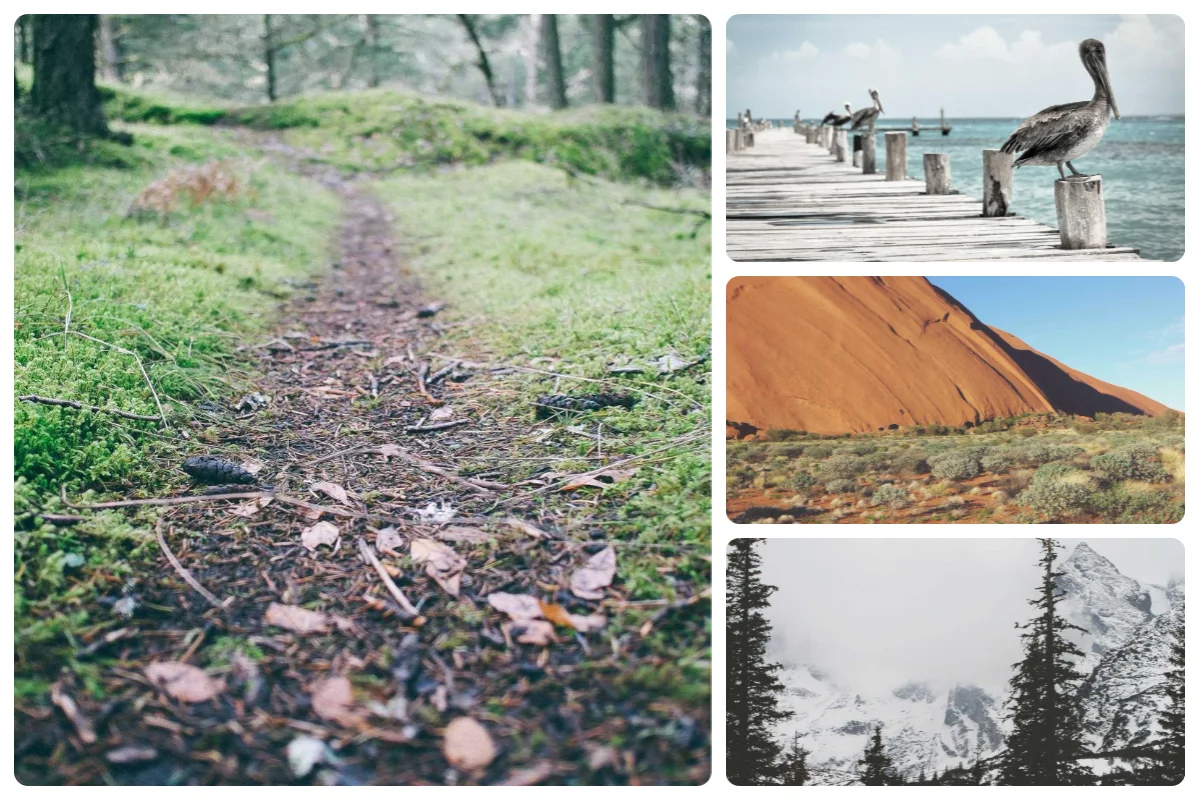
A trip in one picture, a before-and-after, a product set for your shop: a collage tells more than a single photo. Go Pixer is a free photo collage maker that puts 2 to 9 photos into a clean grid in seconds. Everything happens in your browser, so your photos stay on your device.
How to make a photo collage in 3 steps
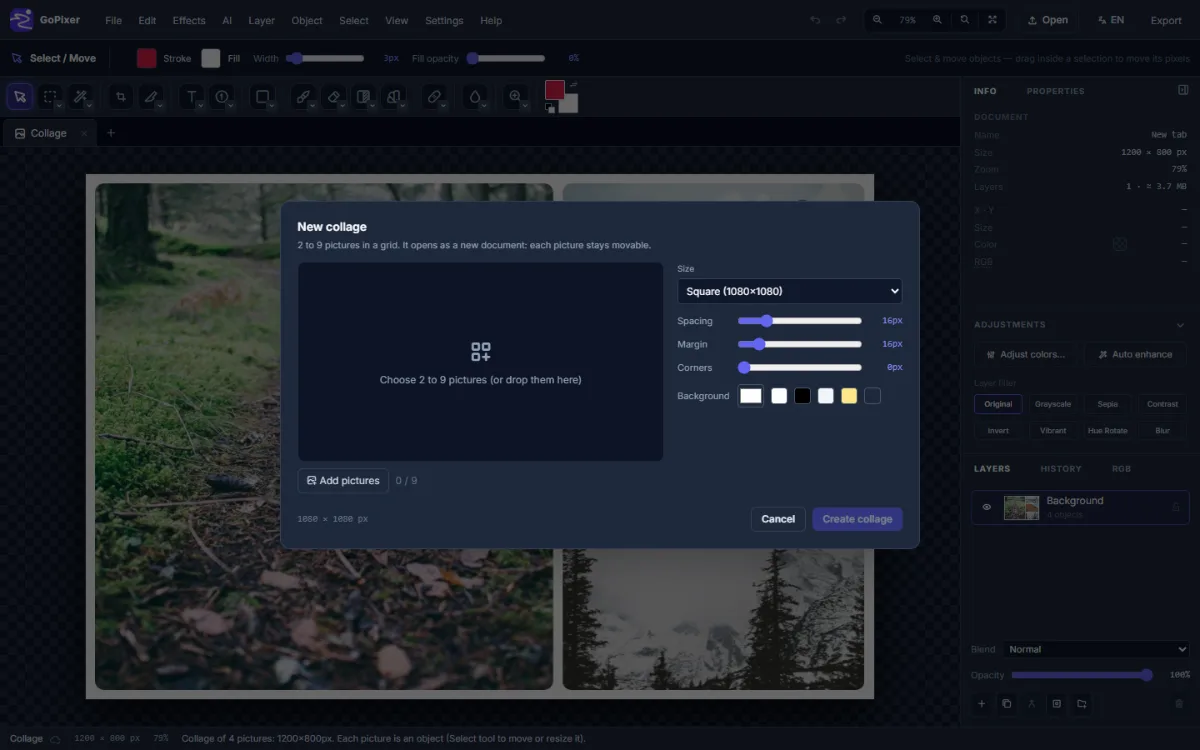
- Click Open the Collage maker in Go Pixer above. The New collage window opens (it is also under File › New collage…). Click Add pictures or drop 2 to 9 photos onto it.
- Pick a Layout - rows, columns, or Big picture on the left / on top - and a Size: Square, Portrait 4:5, Story 9:16, Landscape 16:9, Photo 3:2 or a custom size. Click two pictures in the preview to swap them.
- Set Spacing, Margin, Corners and the Background color, click Create collage, then Export.
Collage tips
- Choose the size for where it goes: Square or Portrait 4:5 for an Instagram post, Story 9:16 for Stories and Reels, Landscape 16:9 for YouTube or a slideshow.
- One hero photo: the big-picture layouts give your best shot 60% of the space and line up the others beside it.
- White gaps and rounded corners give a clean, modern look; no spacing and a dark background feel bolder.
- It stays editable. The collage opens as a new document: each photo is its own object you can move or resize, and you can add text or stickers on top. To fix a single photo before, crop it first.
Why make collages in your browser?
Your photos are read and arranged on your own device - nothing is uploaded, there is no sign-up and no watermark. The free plan exports up to 4096 px on the longest side, more than enough for social media.
Frequently asked questions
Is the collage maker free?
Yes, free to start: no sign-up and no watermark. The free plan exports up to 4096 px on the longest side.
How many photos can a collage have?
From 2 to 9 photos. The layouts change with the number of photos you add.
Can I change the order of the photos?
Yes. In the preview, click one photo and then another to swap them. After Create collage, each photo stays a movable object.
Are my photos uploaded?
No. The photos are opened and the collage is made in your browser, on your own computer or phone.
Try it now - free
Nothing to install, no sign-up needed. Your photos stay on your computer.
Open the Collage maker in Go PixerMore free guides

Go Pixer vs Photoshop - What a Free Browser Editor Can Do (and What It Can't)
An honest comparison: layers and PSD, Object Selection, Content-Aware Move, Highlights / Shadows / Clarity / Dehaze, lens correction, Perspective Crop, RAW files and AI in a free browser editor.
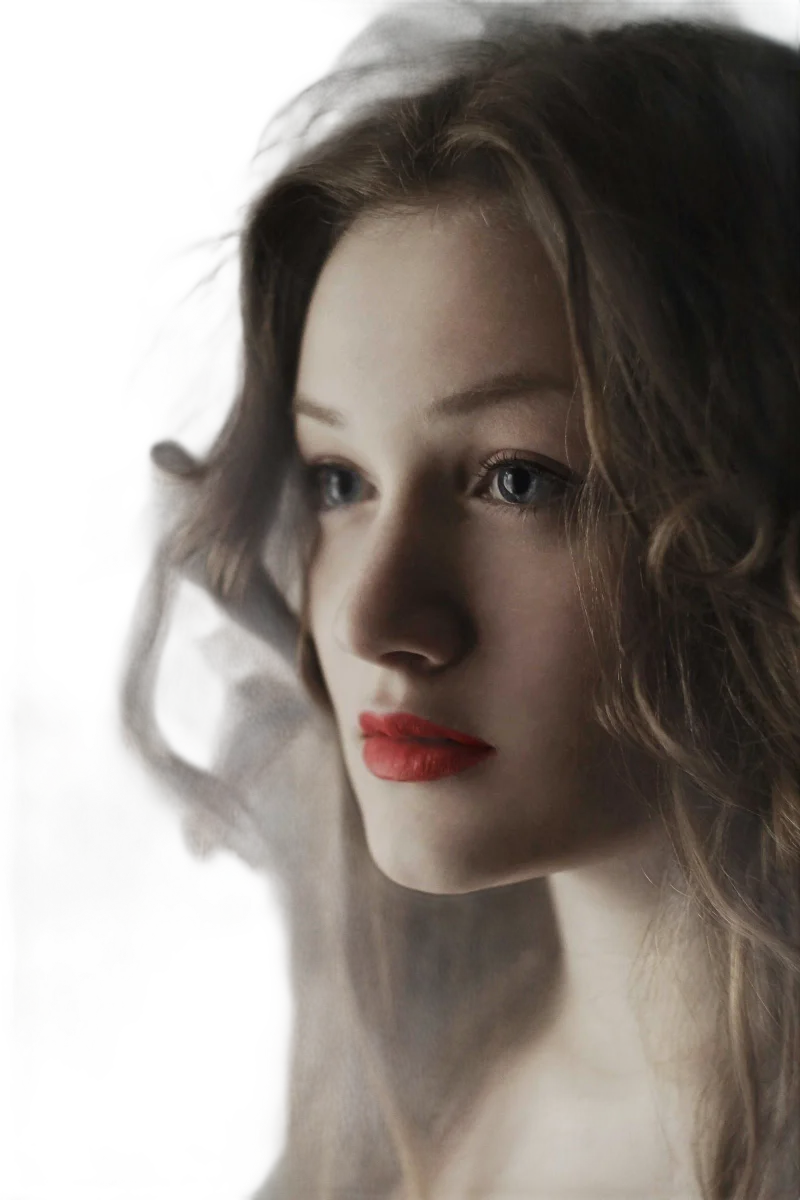
Remove Background Online Free - No Upload, No Sign-Up
Remove the background of any photo for free, right in your browser. The AI runs on your computer: your photo is never uploaded. Download a transparent PNG.
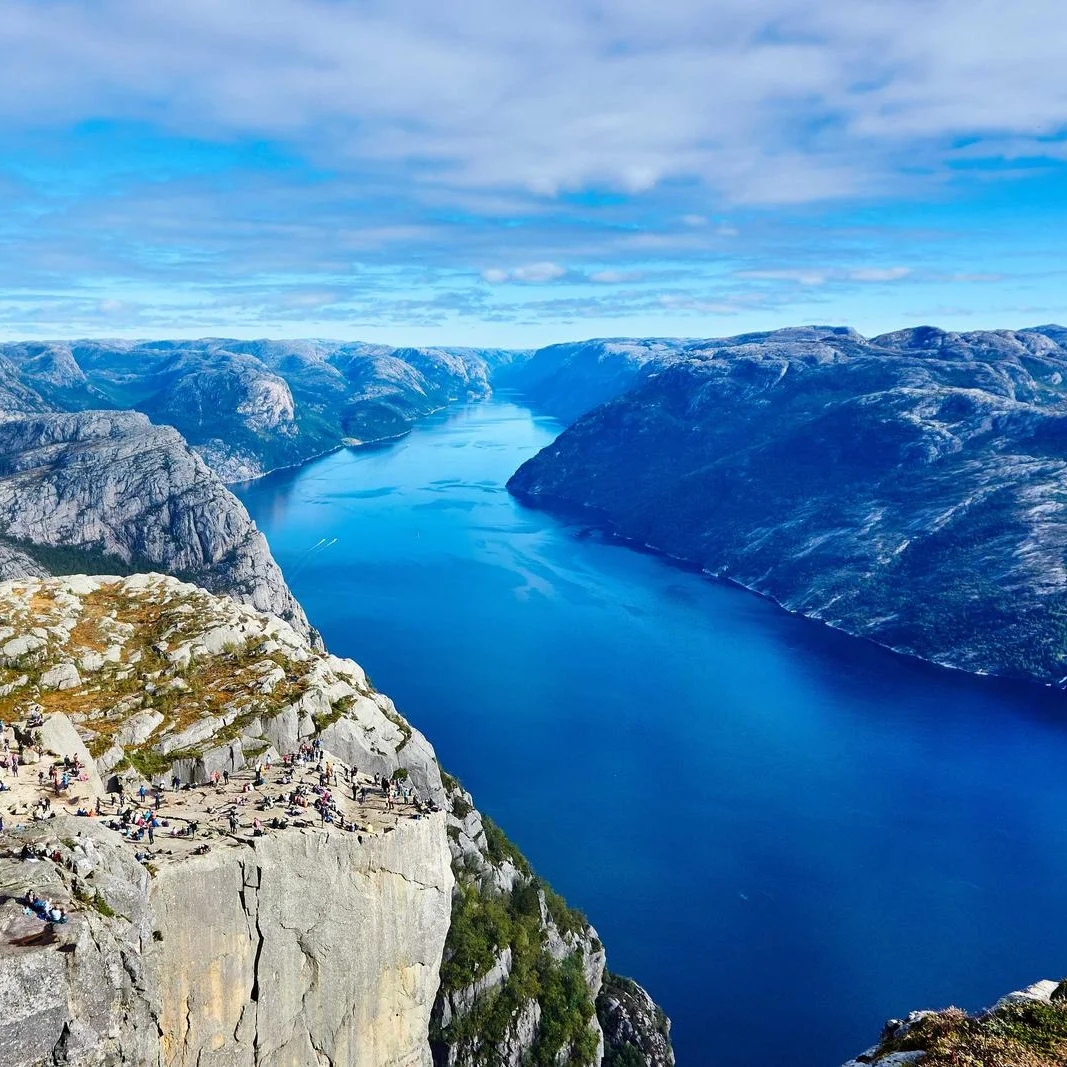
Crop Image Online - Free, Fast, Square or 16:9
Crop an image online for free: square for Instagram, 16:9 for YouTube, or any size you like. Works in your browser, your photo is never uploaded.
Resize Image Online Free - Exact Pixels, Smaller Files
Resize an image online for free: set the width or height in pixels, keep the aspect ratio, and export a smaller JPG, PNG or WEBP. No upload, no sign-up.